Ripple Art
Jul 2024 • Side Project
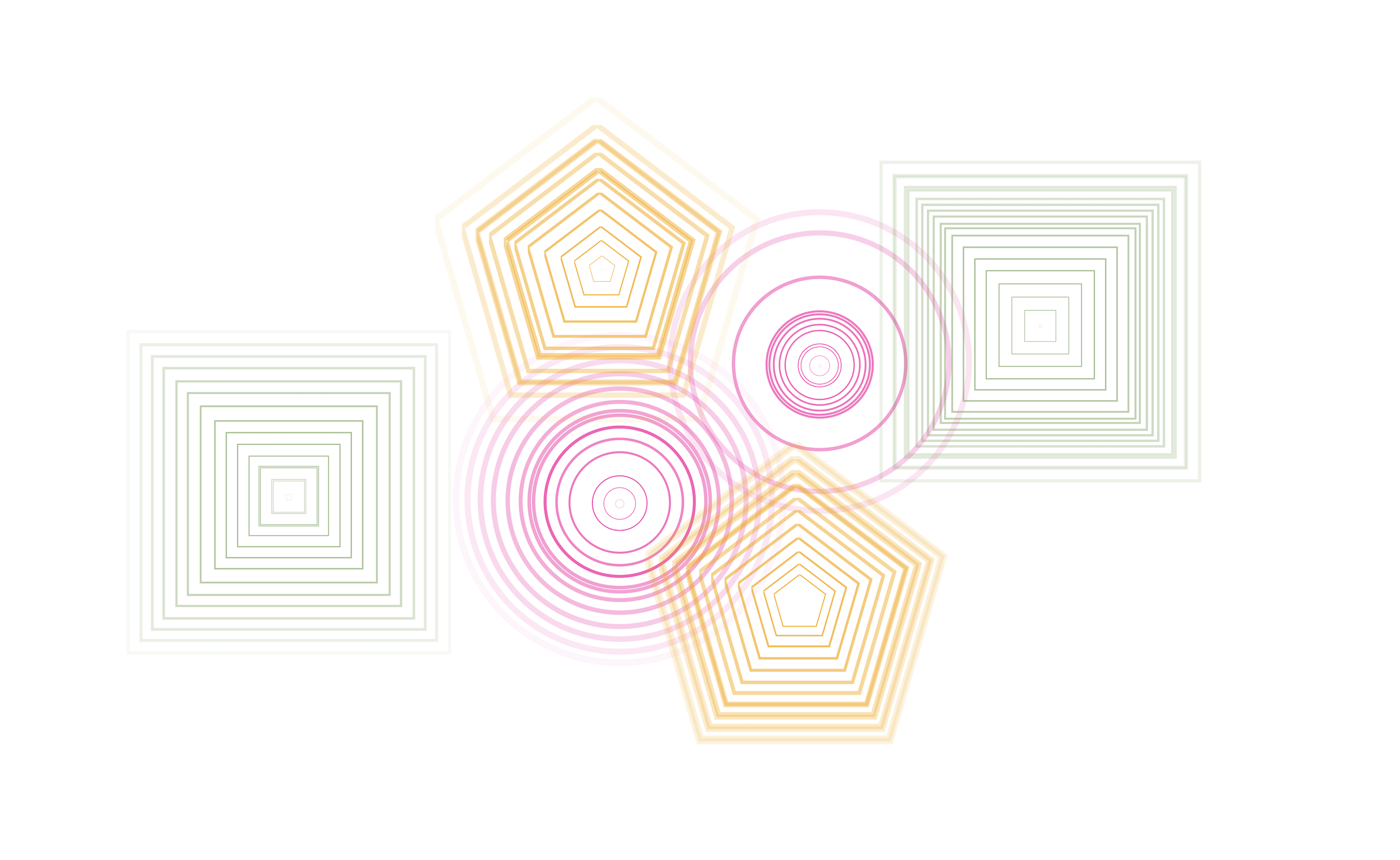
I wanted a canvas where every tap sends ripples—different shapes and colours, layered until it feels like art. No account, no gallery: tap, play, then screenshot or record when you're done.
A side project over a couple of weekends in July 2024, still getting updates. Below: the tool, the launch trailer, and sound and export updates from December 2024 and May 2026. Try it at ripple-art.vercel.app.
The tool
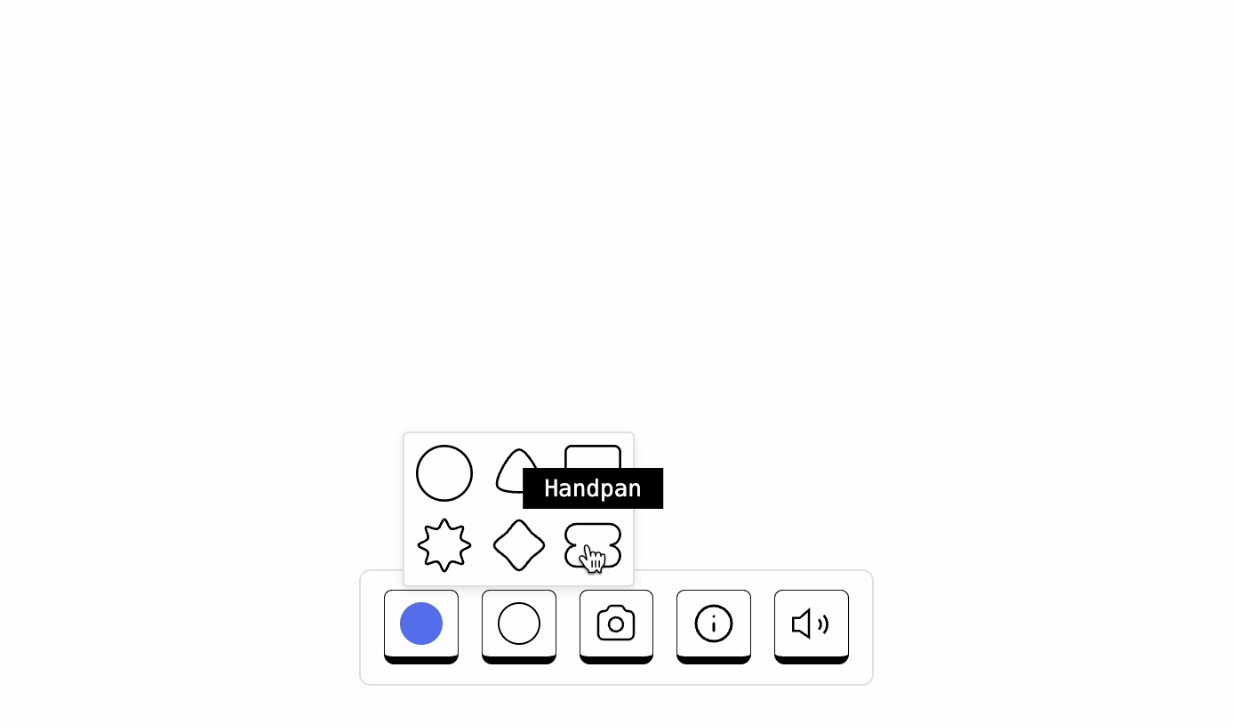
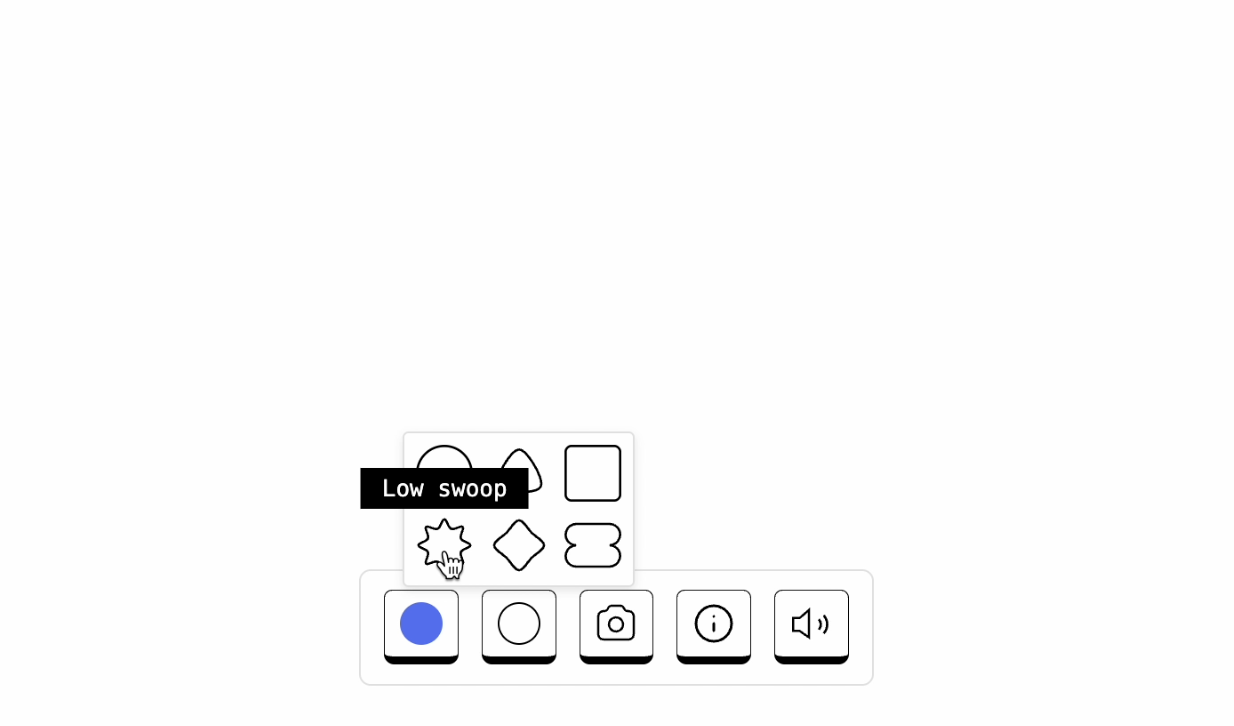
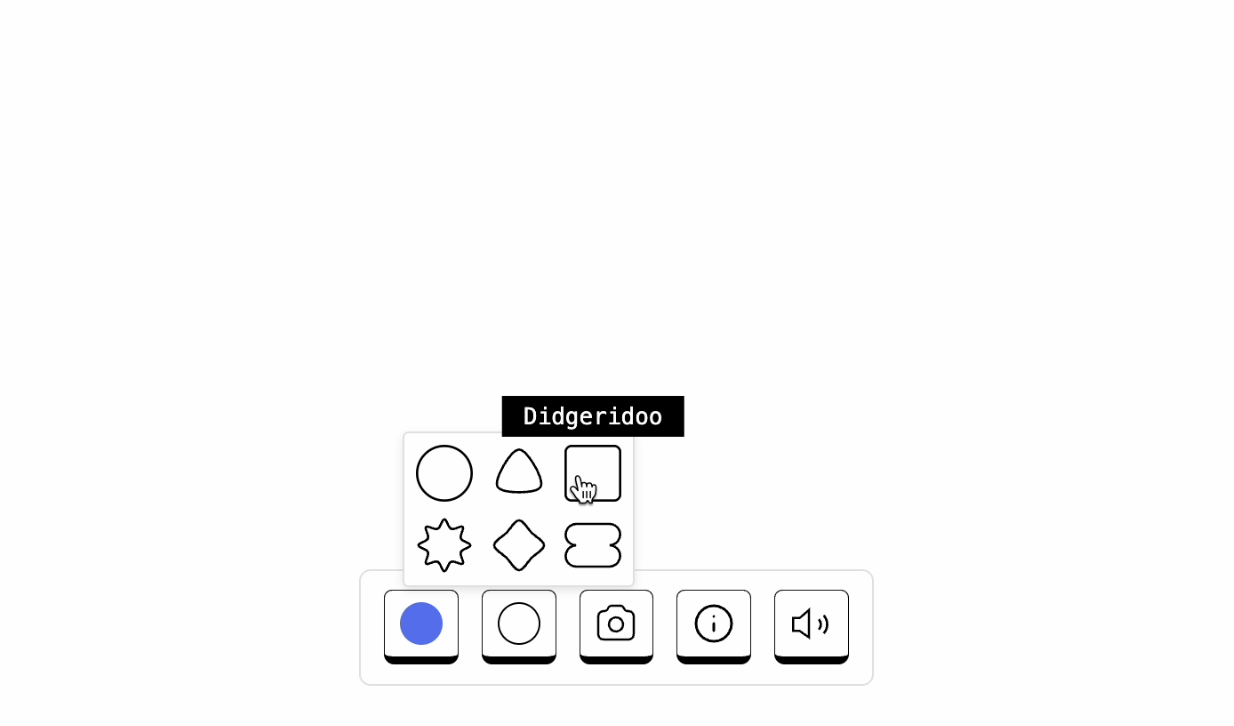
Built in a couple of weekends in 2024, then tuned in the open. Pick from six shapes—circle, soft triangle, soft square, eight-point star, clover, peanut—and twelve saturated colours. Tap the canvas and ripples stack on top of each other. Each shape has its own synthesized tone; it retriggers on every ripple pulse, not only the first tap. Mute is one tap away in the footer.
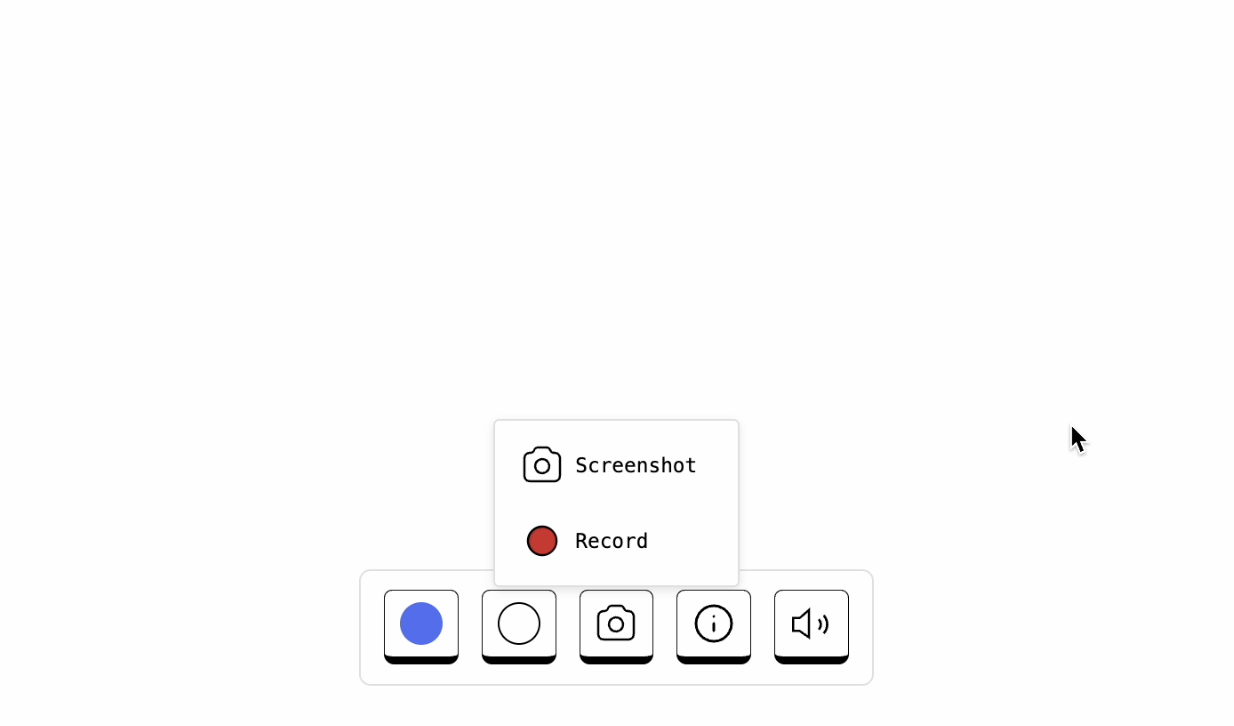
Works on a phone; on desktop, screenshots and screen recordings both look better. You can record the tab—with ripples and sound baked in—for sharing or reel-style posts. Recording uses browser tab capture and works best in Chrome; on mobile, tapping still feels best and stills are the easiest share.

Launch video
I wanted a trailer to launch the project. I’m not an animator, motion designer, or video editor—that didn’t stop me. I prototyped animations in Figma, polished them in Rotato, and stitched everything together in Apple iMovie.
The video is grainy and imperfect. I shipped it anyway rather than wait for a redo. The tool has picked up shapes, sound, and recording since then—the trailer still shows the 2024 version.
Sound
Update (10 Dec, 2024): Shapes and ripples now play sound on tap—another layer of feedback on top of the visual ripple.
Update (May 2026): Each shape now has its own synthesized voice—guitar-like chords, crackle, didgeridoo-ish lows, swoops, flute, handpan-style bells. The shape picker labels what you’ll hear. You can also record the canvas as a short video: choose Record, count down from three, share the browser tab, and ripples play with the same sounds mixed into the file. Stop from the capture control or press Escape; the download lands as .webm or .mp4.